Using a voice-activated teleprompter on iPhone
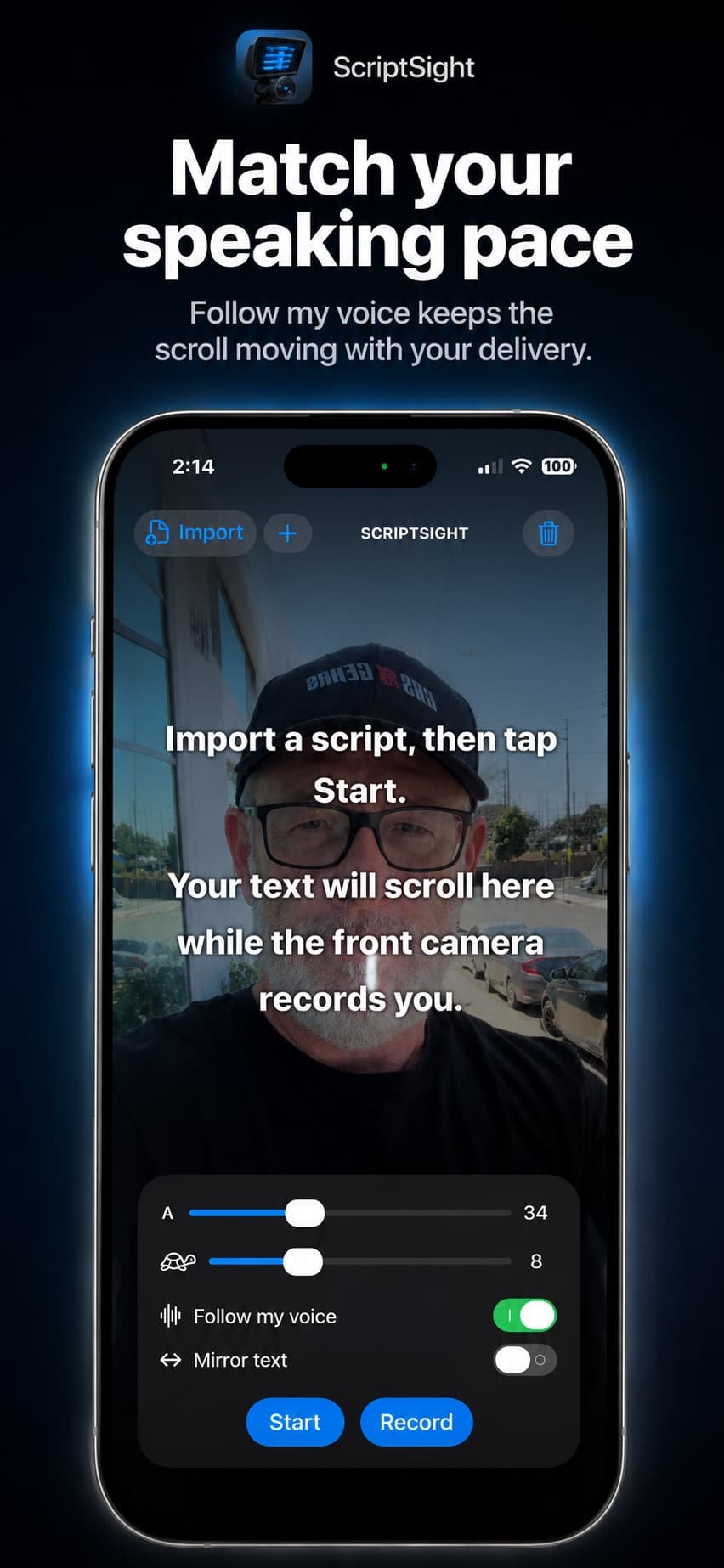
A fixed-speed teleprompter asks you to keep up with the text. Script Sight’s Follow My Voice uses speech recognition to match the script to your reading pace. That is useful for explanations with pauses, emphasis and changes of rhythm.
Start with the words you plan to read
Open the final version of your script and begin near the visible reading position. Keep the wording close to what you intend to say. Long improvised passages or skipping several paragraphs can make matching harder, so rehearse any section where you expect to depart from the text.
Give the phone a clear voice to follow
Allow Microphone and Speech Recognition access in iPhone Settings. Choose a reasonably quiet recording space and keep the microphone clear. Background conversations and loud music can compete with your delivery. Test from the position you will actually use, especially if the phone is mounted farther away in a camera rig.
Rehearse a pause and a change of pace
Turn on Follow My Voice and read a few sentences. Pause where you would naturally take a breath, then continue. Try the faster section of your script too. This rehearsal checks your setup before you commit to a long recording. Keep speaking clearly rather than rushing to catch the next line.
If the script loses your place
Check permissions, reduce background noise and return to the visible part of the script before trying again. If your material involves substantial improvisation, adjustable fixed-speed scrolling may suit that take better. Contact support with your iPhone model, iOS version and a description of the behavior if the problem continues.