An iPhone teleprompter workflow for YouTube and Reels
A teleprompter works best when the script is written for a person speaking to a camera. For YouTube videos, Reels and short tutorials, prepare the delivery before you press record. Script Sight helps keep the words in view while you concentrate on the explanation.
Give the opening one job
Start by telling viewers what they will learn or showing the problem you are solving. Skip the long introduction. A product review might open with the question buyers actually ask; a tutorial can begin with the finished result. Read the first two sentences aloud and remove anything that delays that point.
Build the script around clear sections
For a longer YouTube video, divide the script into an opening, a few distinct points and a closing action. Keep each section understandable on its own so you have practical places to stop and record another take. For a Reel, focus on one useful idea and a clear final line.
Match the recording to the edit
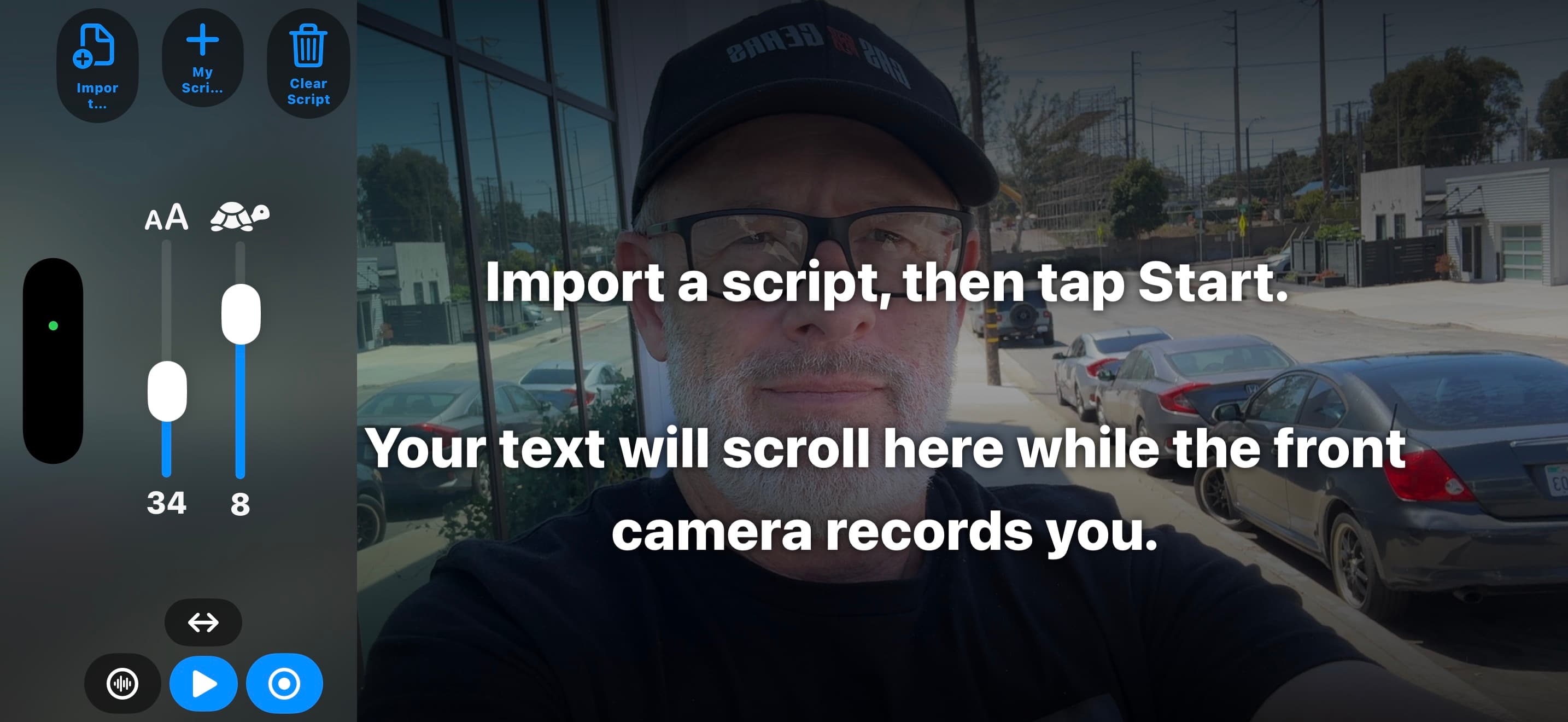
Choose portrait for a vertical video or landscape for a horizontal one before rehearsing. Check the available script area after rotating the phone and adjust the font if needed. Leave a brief pause before and after each section to give yourself room to trim in your editor. Script Sight saves recordings to Photos; finish editing and upload through your usual tools.
Keep the delivery conversational
Use contractions and words you actually say. Change the script when a sentence repeatedly trips you up. If a product name, specification or price must be exact, check it before filming. A teleprompter can keep the wording in front of you, but it cannot verify the facts in your script.