Import PDF and Word scripts into your iPhone teleprompter
Script Sight accepts PDF, DOCX, RTF and TXT scripts. You can prepare the draft on your computer, make the file available on your iPhone and import it for recording. A little document cleanup makes the resulting script easier to read.
Use a simple document layout
Create a single column of spoken text. Remove headers, footers, page numbers and production notes that you do not want to read aloud. Tables and elaborate magazine-style layouts may not turn into a useful reading order. Keep a clean copy specifically for the teleprompter.
Choose a suitable file
DOCX works for a Word draft; TXT is useful when you want plain text without document formatting. RTF and PDF are also supported import formats. A PDF containing photographs of pages may not contain selectable text. If an import produces no usable words, return to the original document and export a text-based version.
Import and review before recording
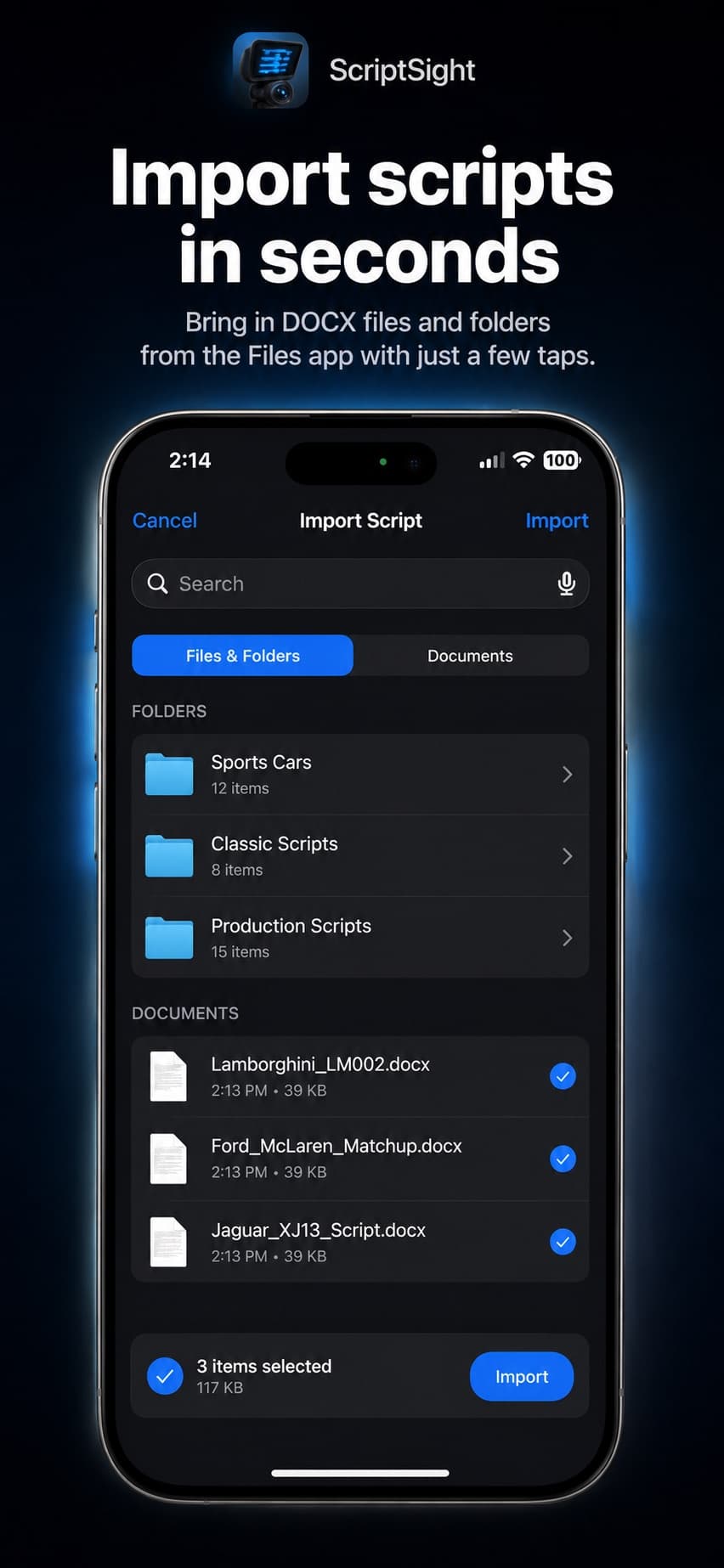
Make the file accessible through the iPhone file picker, then use Script Sight’s import feature to select it. Read the beginning, middle and end of the imported script. Check punctuation, paragraph breaks, numbers and any special characters. Do this before adjusting the scroll speed or beginning a long take.
Keep the reusable version organized
Save the prepared script in your library with a clear name. Include an episode or topic and a version number when you are revising the same piece repeatedly. Before filming, confirm you opened the final draft. You can also write scripts directly in the app when you do not need to import a document.